From floor plan to visualization
One project: from a plan on paper to a client-ready visualization.
Revizo turns a scanned floor plan into an editable layout, helps you think through a re-plan, places furniture and engineering layers by the rules, builds the 3D scene and renders photoreal interiors you refine with words.
Sign in with Google · free credits to start · no card
Scroll — the model follows
01 Raster → layout
A scan becomes an editable plan
Upload a scan, a PDF page or a photo of a floor plan. Revizo recognises walls, rooms, doors and windows and checks itself against the areas printed on the plan. You get a drawing you can edit, not a picture.
02 Rooms and dimensions
Areas, dimension chains, survey
Rooms and their areas are derived from the walls automatically. Live dimensions to the neighbouring walls, dimension chains, leaders and detail lines — everything a builder will ask about is already on the sheet.
03 Re-planning
Re-plan with an AI assistant
The survey and the design live in one document: a demolished wall lands on the demolition sheet, a new one on the construction sheet. The assistant proposes layout options and checks each against 18 rules of ergonomics and building codes — clearances, door swings, wet zones.
04 Furniture
Furniture placed by the rules
A catalogue of furniture with marks, snapping to walls and to the faces of neighbouring objects, groups and alignment. The check panel flags a bed you can't walk around, a wardrobe that a door hits, a dining chair with no room to pull out.
05 Engineering layers
Plumbing, sockets, light — as separate layers
Plumbing, sockets, lighting, ceilings, floors, underfloor heating — each layer has its own view, its own catalogue and its own sheet. The rules keep an eye on the details: a socket on each side of the bed, the switch on the handle side, a fixture no farther than three metres from the riser.
06 3D scene
The plan rises into a 3D scene
One click and the layout becomes a scene: walls with real openings, floors, ceilings, furniture in place. Walk through the apartment, set cameras, capture views — and hand them to the visualization stage.
01 Documents
A layout you can hand to the crew.
Sheets assemble themselves from the same model: demolition, construction and masonry plans, layouts by layer, elevations and sections, specification tables. Change a wall — every sheet updates.
Demolition / construction / masonry
Three sheets from one wall graph. An opening bricked up on the construction sheet is a cut-out on the demolition sheet.
Elevations and sections
Wall elevations, section lines with computed cuts, floor and ceiling build-ups.
Specifications
Wall and finish schedules per room as CSV — straight into the estimate.
Exports
PNG and SVG of any sheet, DXF of the plan, glTF/GLB of the scene, and a project file you own.
02 Visualization
Visualization is solved.
A captured view, a photo or a sketch becomes a photoreal interior in minutes. Then you refine it the way you would brief a colleague: with words, a reference and a mark on the canvas.
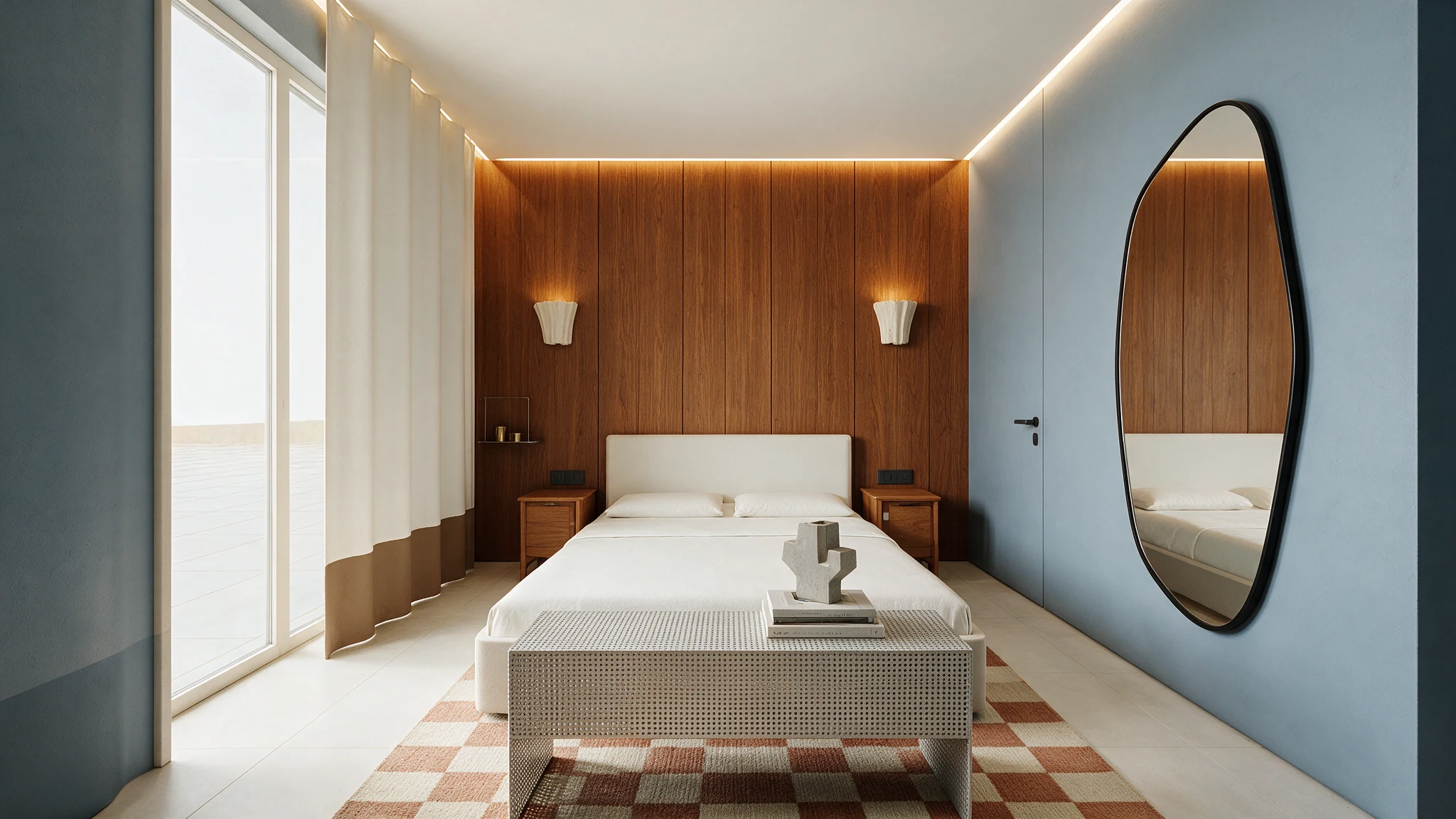
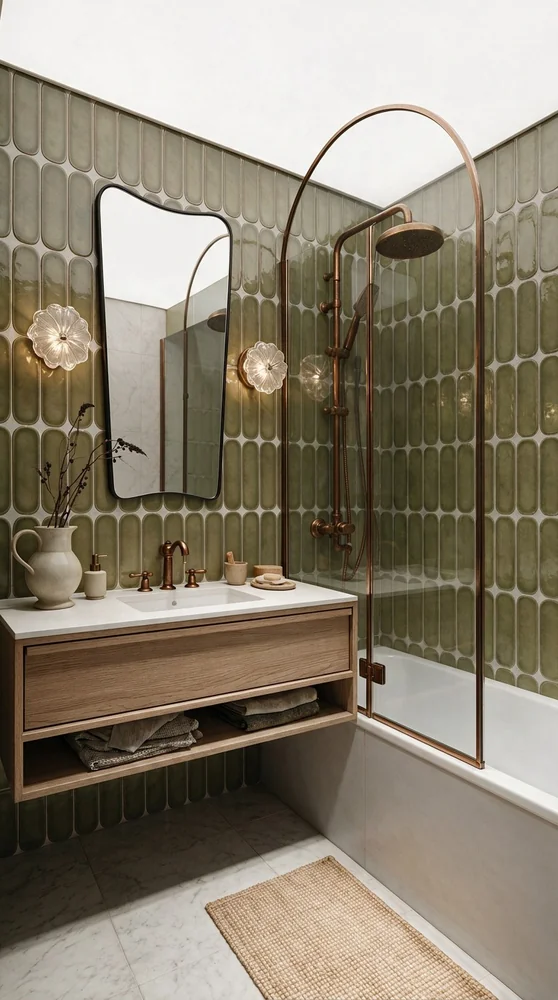
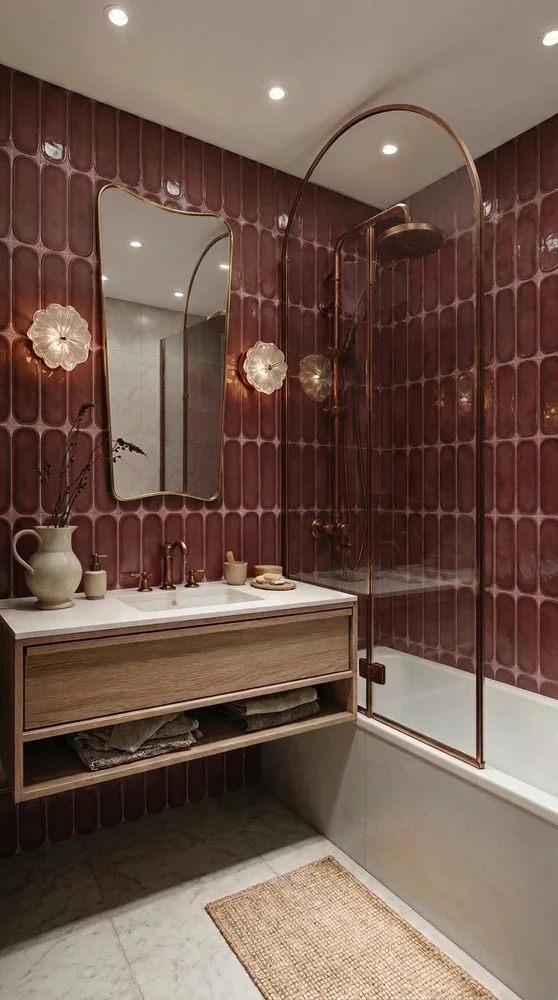 Option 01
Option 02
Option 01
Option 02
Edit with words and marks
Arrows, frames, freehand strokes and text on top of the render. Mark a region, attach a reference, say what should change — AI replaces only that region.
Concepts and references
Save a look as a concept and apply it to the next view — whole or just the mood. Six presets from Scandinavian to Boho to start from.
Three render modes
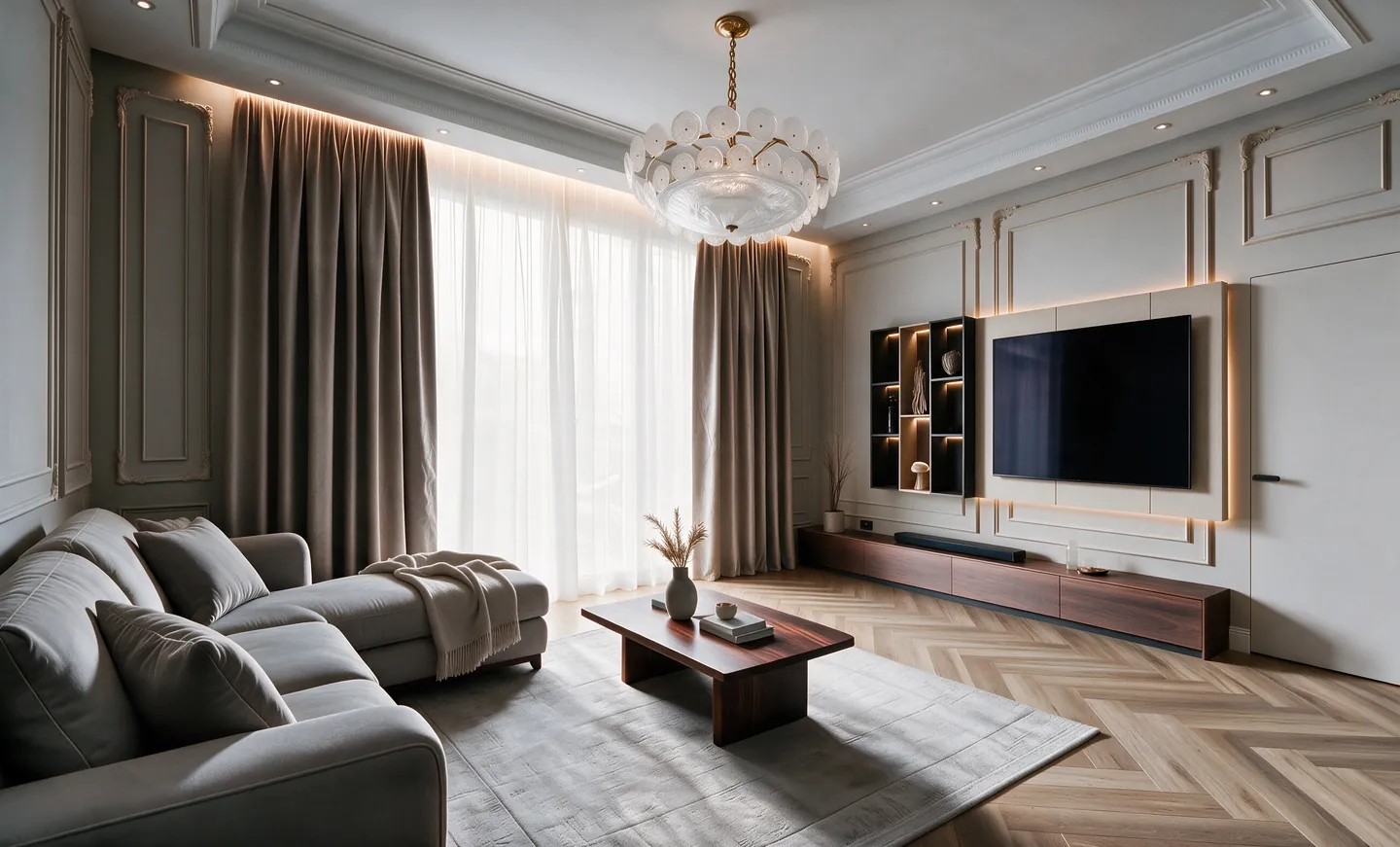
A fast concept for the first conversation, scene assembly true to geometry and furniture, AI detailing for light, materials and photorealism.
2× and 4× resolution
Raise the resolution of the final image for print and large screens. Compare before and after, branch the edit history, mark the final.
03 Who it's for
For everyone who turns a plan into a space.
Interior designers
From the client's scan to the layout, the sheets and the render — in one project, without three programs.
Architecture studios
Quick layout options at the concept stage and visuals for the presentation the same day.
Developers and real estate
Show a buyer the furnished apartment on the plan, then the interior — in the style they choose.
Renovation companies
Demolition and construction sheets, layers and schedules that the crew reads without questions.
04 The team
Who makes Revizo.

Timur Rakhimzhan
Infrastructure, networks, code quality.

Rassul Rakhimzhan
Product and engineering. Ten years in software.

Bekzhan Arginbekov
Architect with his own interior studio. Product and sales.
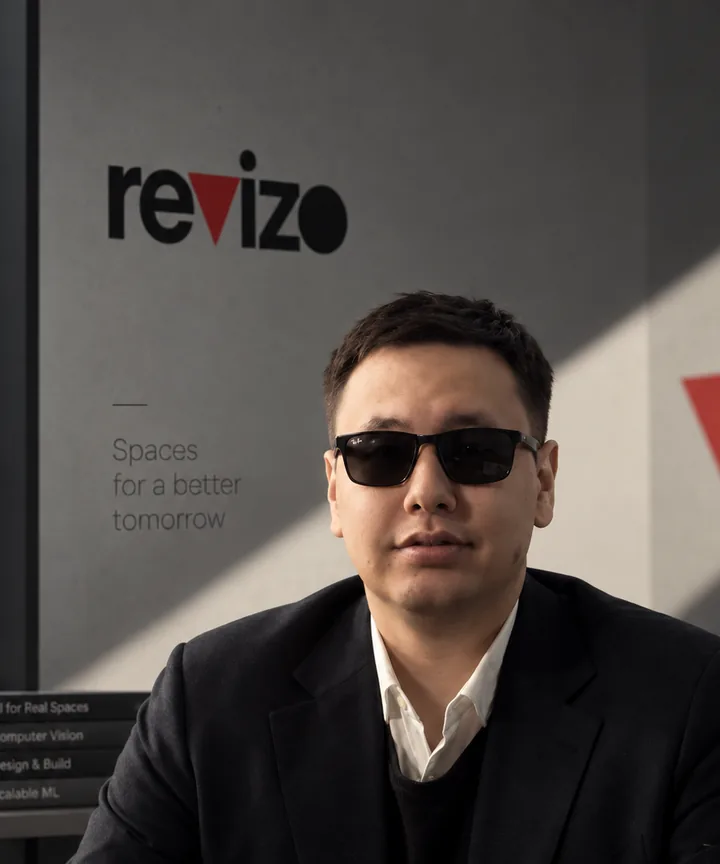
Kenessary Koishybay
Recognition and generative models for floor plans.

Madi Otep
Partnerships and fundraising.
05 Pricing
Pay for results, not for seats.
Credits are the only currency: one balance covers plan recognition, renders, AI edits and 3D. A render starts at 3 credits. No subscription, and credits never expire.
Starter Plan
≈ 233 ₸ per credit
- Up to 10 renders
- Full access: layout, 3D, renders, AI editor
- Credits never expire
Starter
≈ 233 ₸ per credit
- Up to 50 renders
- Full access: layout, 3D, renders, AI editor
- Credits never expire
Plus
≈ 187 ₸ per credit
- Up to 130 renders
- Full access: layout, 3D, renders, AI editor
- Credits never expire
Pro
≈ 160 ₸ per credit
- Up to 330 renders
- Full access: layout, 3D, renders, AI editor
- Credits never expire
Every new account starts with 10 free credits. Payment by Kaspi Pay (QR) inside the app.
06 Questions
Before you start.
Do I need Revit or AutoCAD?
No. Revizo works in the browser: upload a scan or draw the plan directly. If you already have an IFC or GLB model, upload it — the 3D stage accepts it as is.
How accurate is plan recognition?
Revizo checks itself against the areas printed on the plan and asks you to confirm the doubtful spots. The result is an editable drawing — anything the tracer missed you fix in a couple of clicks.
Can the layout be given to the builders?
Yes. The demolition, construction and masonry sheets, layer plans, elevations, sections and schedules export as PNG, SVG, CSV and DXF. They are a working document, not a substitute for the permits a re-plan may legally require.
Who owns the results?
You keep the rights to what you upload and what Revizo generates from it. Plans, scenes and renders stay in your account, and the project file can be exported at any time.
Start with the plan you already have.
Upload a scan, a photo or a model — and walk the path from layout to visualization in one project.